Choose a mode and apps
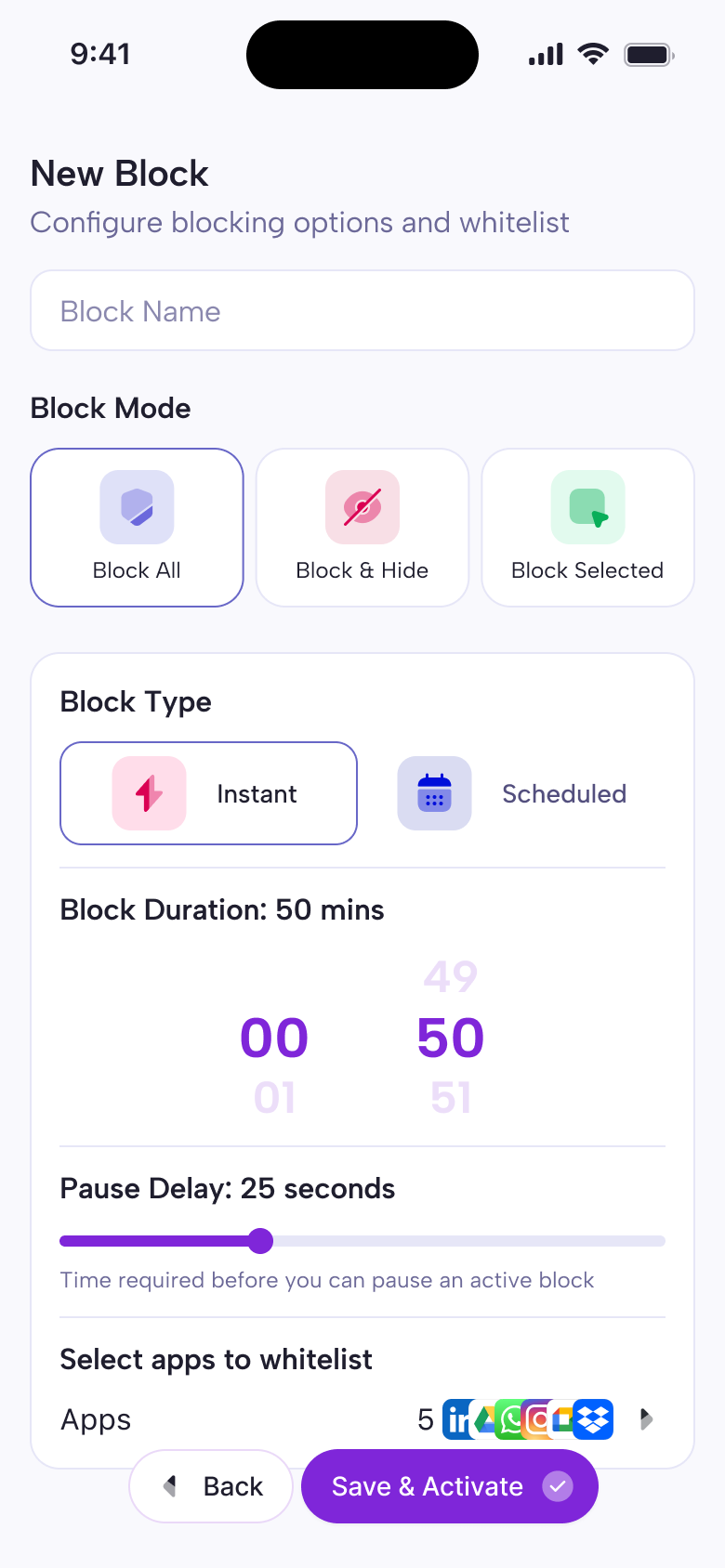
Start with Block Selected, Block All, or Block & Hide. Still – Screen Time Control guides the decision so the session matches the level of friction you need.
 Still – Screen Time Control
Screen Time Control
Still – Screen Time Control blocks distracting apps for a chosen period of time, helps you set your first focus session, and keeps Screen Time insights private on your device.
First Session
Start with Block Selected, Block All, or Block & Hide. Still – Screen Time Control guides the decision so the session matches the level of friction you need.
Pick a duration, launch the session, and keep distracting apps blocked while you work, study, read, or rest.
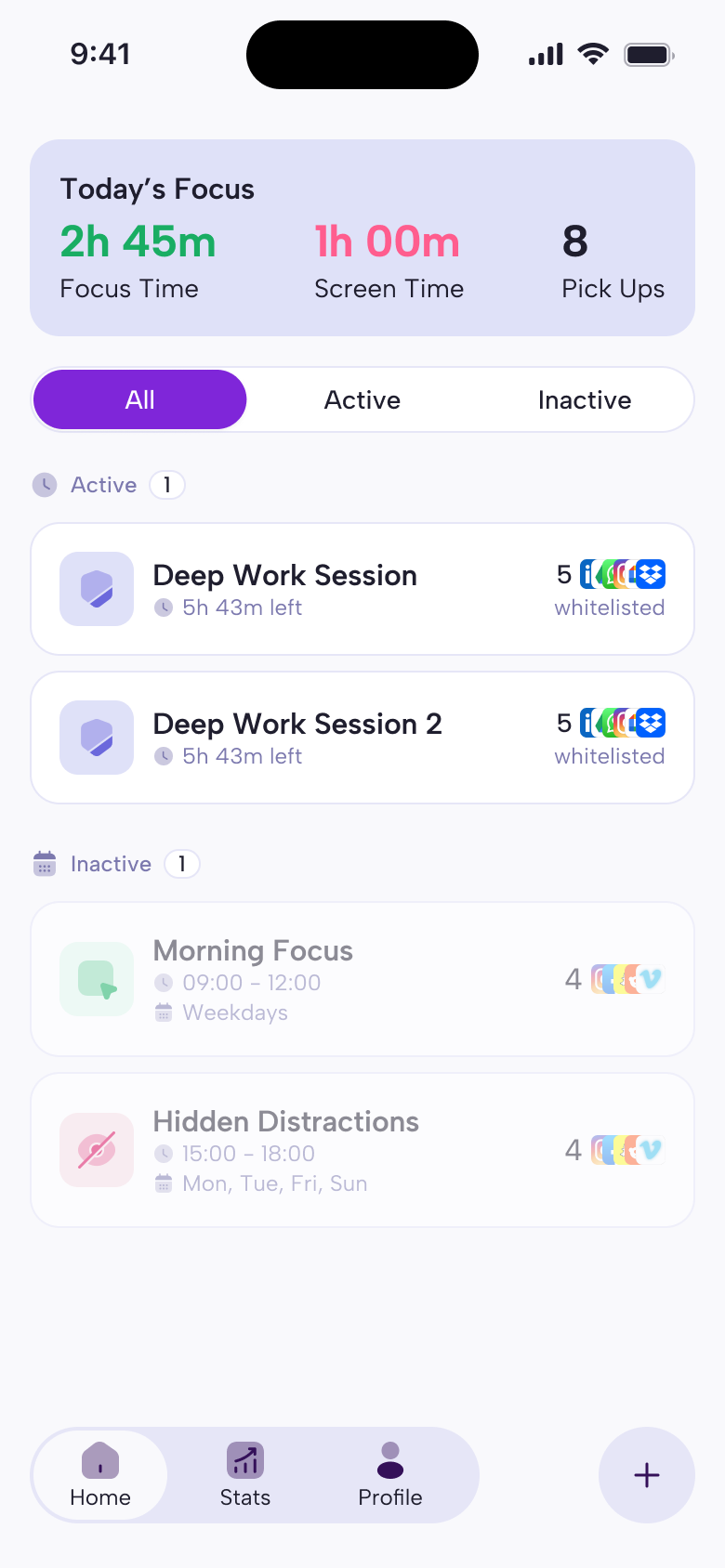
See daily focus time, screen time, and pickups, with activity data handled through Apple Screen Time APIs.
App Preview
Private By Design
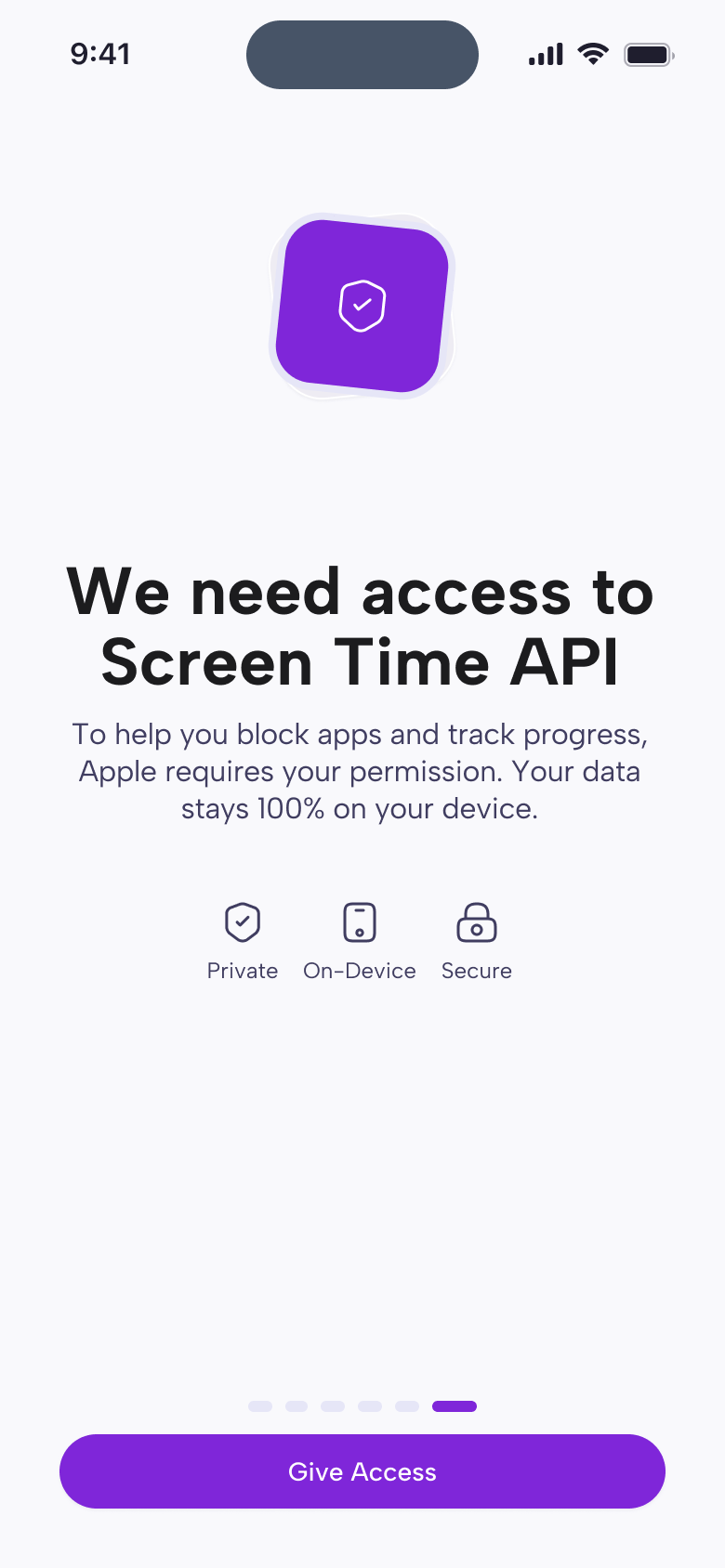
Still – Screen Time Control uses Apple’s Screen Time API to monitor and limit app usage, block selected apps during focus sessions, and show usage insights. Focus analytics and app blocking preferences are primarily processed and stored locally on your device.
Start Still – Screen Time Control
Set up your first session, protect the next 30 minutes, and build a focus habit that feels lighter.
Social Focus
Stay accountable with friends, groups, and focus rankings.
Join private study circles, see who is focusing now, and compare progress without turning productivity into a noisy public feed.